
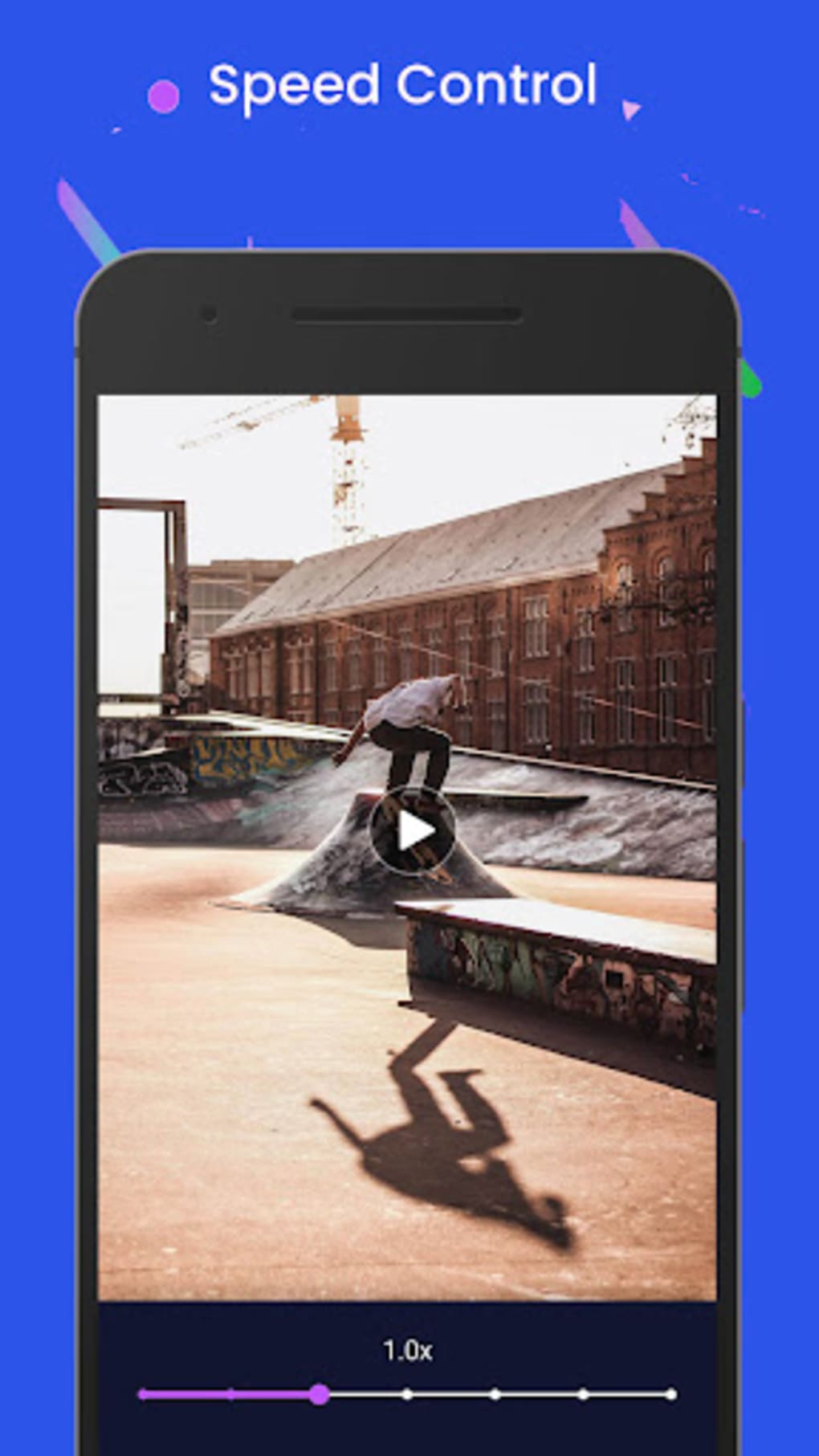
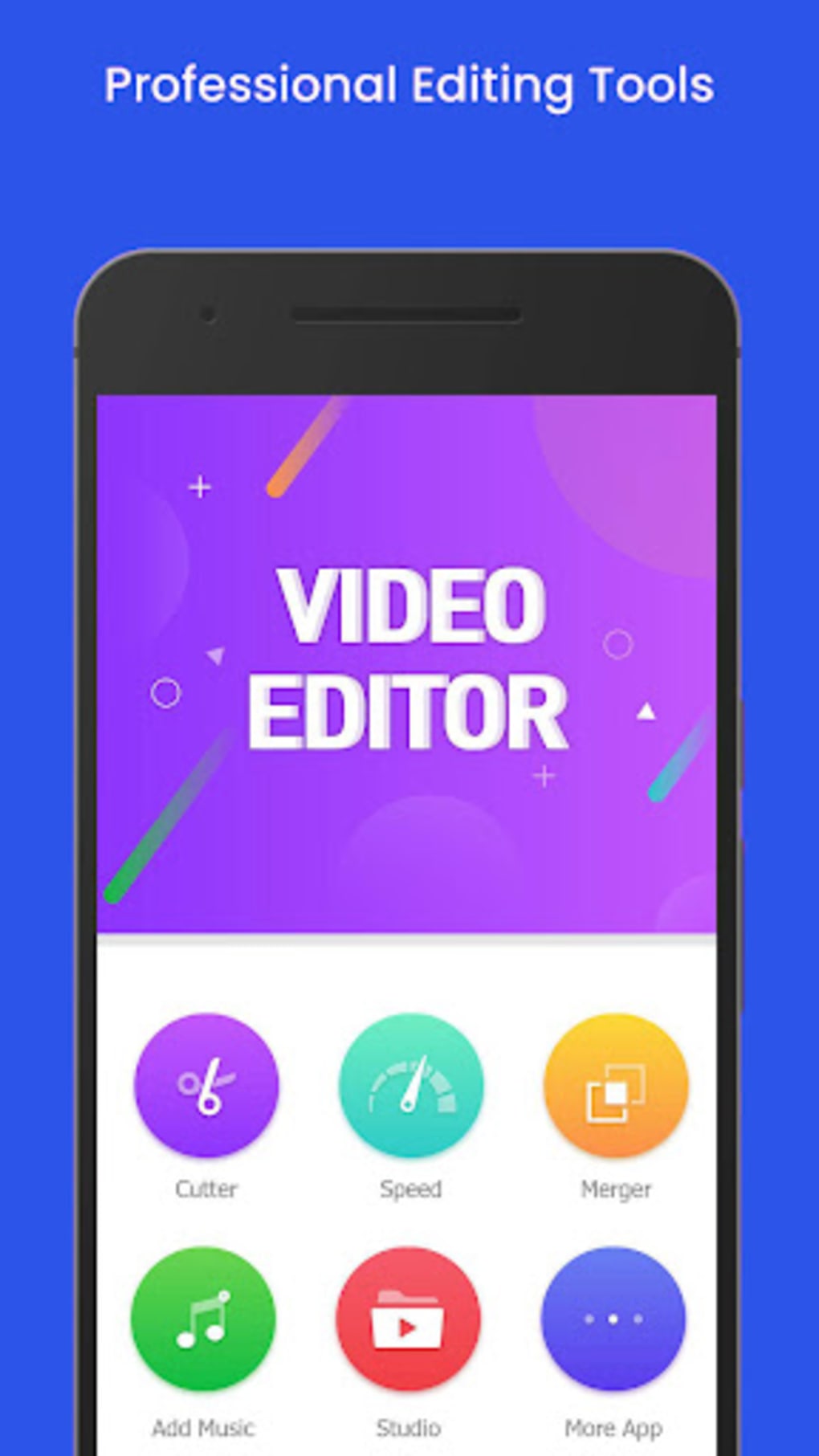
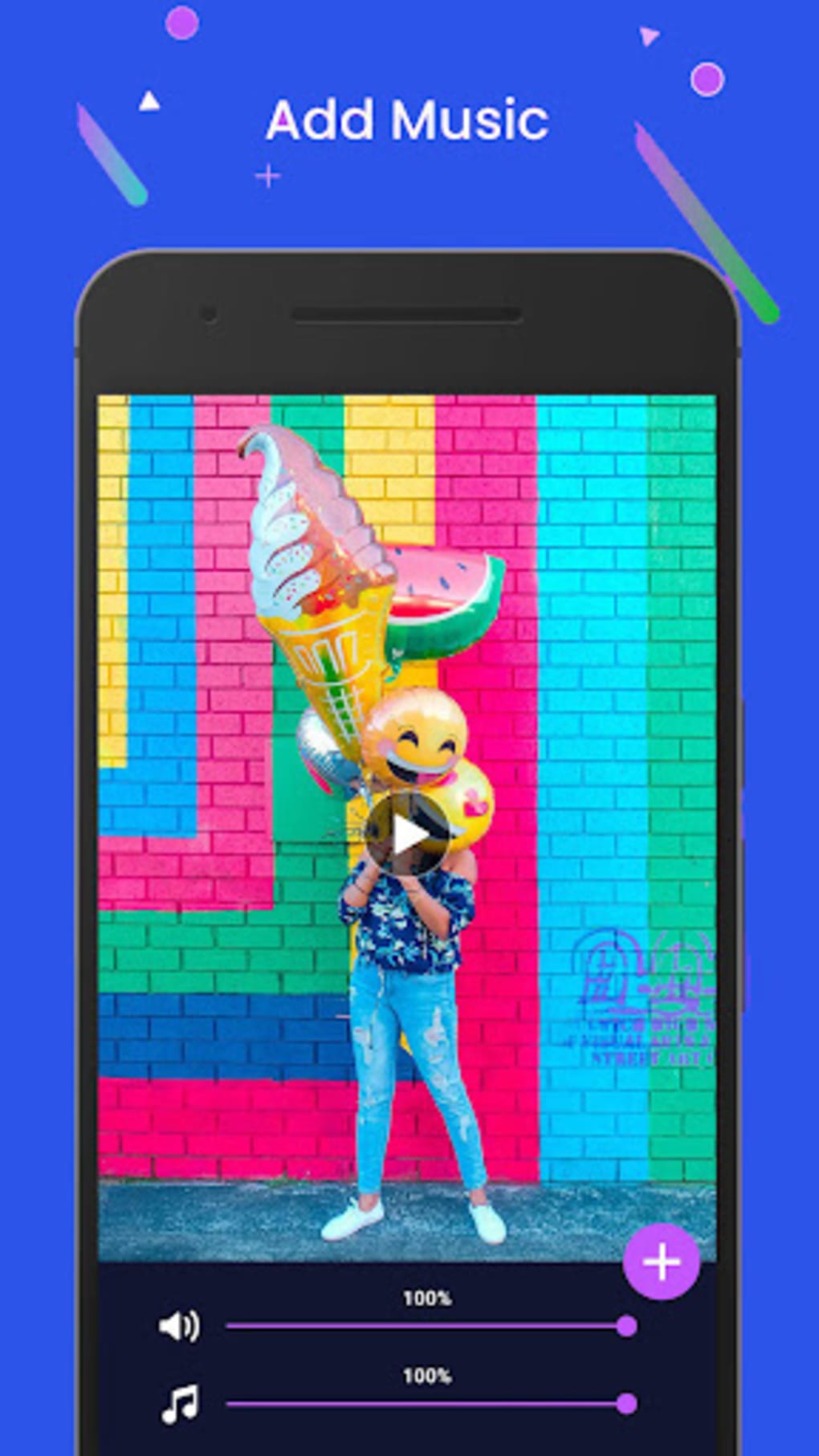

Download VideoArt Editor – video editing, sound effects, music, voiceover, trim, cut, mute, split, fuse, HD, Full HD, export, Android
Overview
VideoArt Editor is a free Android application developed by ismar, designed to empower users with intuitive tools for video editing and audio integration. The software specializes in combining video sequences with custom audio elements, including sound effects, music from personal libraries, and voiceovers. It is tailored for individuals seeking a straightforward way to enhance their video content with professional-grade audio synchronization.
The app is particularly suited for content creators, social media users, and hobbyists who want to produce engaging visual stories without the complexity of advanced editing suites. Its core purpose lies in streamlining the process of trimming, cutting, muting, splitting, and fusing audio with video, enabling users to craft polished final outputs. The application supports a wide range of video and audio formats, ensuring broad compatibility with files from various sources.
Real-world usage scenarios include creating short-form videos for platforms like Instagram, TikTok, or YouTube Shorts, editing personal vlogs, or producing promotional clips. While the developer did not provide additional system requirements, the app’s lightweight size suggests it is optimized for mobile devices with moderate hardware capabilities.
Key Features & Capabilities
- Audio-Visual Synchronization – Enables seamless fusion of audio tracks with video sequences, allowing users to match sound effects, music, or voiceovers precisely to visual cues.
- Basic Video Editing Tools – Offers essential functions such as trim, cut, mute, and split, enabling precise control over video segments during the editing process.
- Multi-Format Support – Compatible with a wide array of video formats including MP4, WMV, 3GP, AVI, MPG, M4V, MPEG4, MOV, MKV, WEBM, M2V, and more.
- Extensive Audio Format Compatibility – Supports MP3, AAC, WAV, M4A, OGG, FLAC, AMR, and other common audio types for flexible audio integration.
- High-Quality Export Options – Allows users to export edited videos in HD and Full HD resolution, enhancing visual clarity for sharing across platforms.
- Preview Functionality – Provides a built-in preview feature to review the entire project before finalizing, helping identify areas needing adjustment.
These features cater to users who need a lightweight yet capable tool for quick edits. For example, a user can record a voiceover, import a music track, and synchronize it with a video clip using the trim and split tools. The ability to mute unwanted audio and insert sound effects adds creative flexibility. The export functionality ensures that the final output maintains high visual quality, ideal for social media or personal use. While advanced features like transitions or color grading are not mentioned, the focus remains on core editing and audio integration, making it accessible for beginners and efficient for casual creators.
User Interface, Workflow & Performance
VideoArt Editor features a user interface designed for simplicity and ease of navigation on mobile devices. The layout appears to prioritize essential tools, placing functions like trim, cut, mute, and split within easy reach. Users can expect a linear workflow: import media, edit video and audio segments, preview the result, and export the final product.
The application’s performance is expected to be optimized for Android devices, given its 12.5 MB file size, suggesting efficient resource usage. However, exact performance details were not specified. The developer did not provide information on CPU or RAM consumption, nor did they mention stability under prolonged use.
Based on general software behavior patterns, the app is likely to operate smoothly on devices with standard Android configurations. The preview function enhances workflow efficiency by allowing real-time assessment of edits. Users can make iterative adjustments without committing to a final export prematurely.
Overall, the interface appears designed to minimize user friction, though detailed feedback on responsiveness or loading times is not available.
Compatibility & System Requirements
VideoArt Editor is designed exclusively for Android devices, with version 1.0 released on May 15, 2024. The application has a compact installation size of 12.5 MB, indicating it is lightweight and suitable for devices with limited storage. Compatibility information was partially provided, with the OS specified as Android.
The developer did not list exact system requirements, including minimum Android version, processor type, or memory specifications. As such, users should verify compatibility with their device’s operating system version before installation. The app supports a broad range of video and audio formats, which enhances its versatility across different media sources.
While no information was given about hardware acceleration or GPU dependency, the app’s small footprint suggests it does not require high-end hardware. For users seeking a mobile-based video editor that works across various Android models, the app presents a viable option, provided their device meets the unlisted minimum requirements.
Pros and Cons
Pros
- Free to download and use, making it accessible for budget-conscious users.
- Supports a wide variety of video and audio formats for maximum compatibility.
- Offers essential editing tools like trim, cut, mute, split, and fuse for efficient workflow.
- Enables high-quality export in HD and Full HD resolution.
- Includes a preview function to review edits before finalizing.
- Designed for mobile use with a lightweight 12.5 MB footprint.
Cons
- Exact system requirements were not listed, which may cause installation issues on older devices.
- Limited information on performance under heavy use or long editing sessions.
- No mention of advanced editing features like transitions, filters, or color correction.
- Platform is restricted to Android; no support for Windows, Mac, or other operating systems.
- Developer background and company details are minimal, offering limited trust indicators.
FAQ Section
Is VideoArt Editor available for iOS devices?
VideoArt Editor is currently available only for Android. There is no information about an iOS version at this time.
Can I use VideoArt Editor without an internet connection?
Yes, the application functions entirely offline. No internet connection is required for editing, previewing, or exporting videos.
What video and audio formats does the app support?
The app supports common video formats such as MP4, WMV, 3GP, AVI, MPG, M4V, MPEG4, MOV, MKV, WEBM, M2V, and others. Audio formats include MP3, AAC, WAV, M4A, OGG, FLAC, AMR, and more.
How do I update VideoArt Editor?
Updates are typically delivered through the Google Play Store. Users should check for updates within the app store to ensure they have the latest version.
Is the software secure to download and use?
VideoArt Editor is free to download and use. As it is distributed through official app channels, it is considered secure. However, users should always download from trusted sources to avoid unauthorized versions.
Final Thoughts + CTA
VideoArt Editor presents a streamlined solution for Android users seeking to edit videos with a strong emphasis on audio integration. Its focus on trimming, cutting, muting, splitting, and fusing audio with visuals makes it ideal for creators who want to enhance their content with sound effects, music, or voiceovers. The support for multiple formats and high-quality export options adds to its practicality.
While the app lacks advanced features and detailed system requirements, its lightweight design and free pricing model make it a compelling choice for casual editors and mobile content creators. The inclusion of a preview function improves workflow accuracy, and the intuitive interface reduces the learning curve. For users on Android who need a simple yet effective video editing tool, VideoArt Editor delivers solid value.
Download VideoArt Editor now and start creating stunning videos with ease.





.png)

